SmartMag WordPress Magazine Theme – Responsive News & Blog Design
Get the fully functional, clean, and original GPL-licensed file with instant dashboard access and regular updates.
SmartMag – A Responsive WordPress Theme for News, Magazine, and Blog Websites
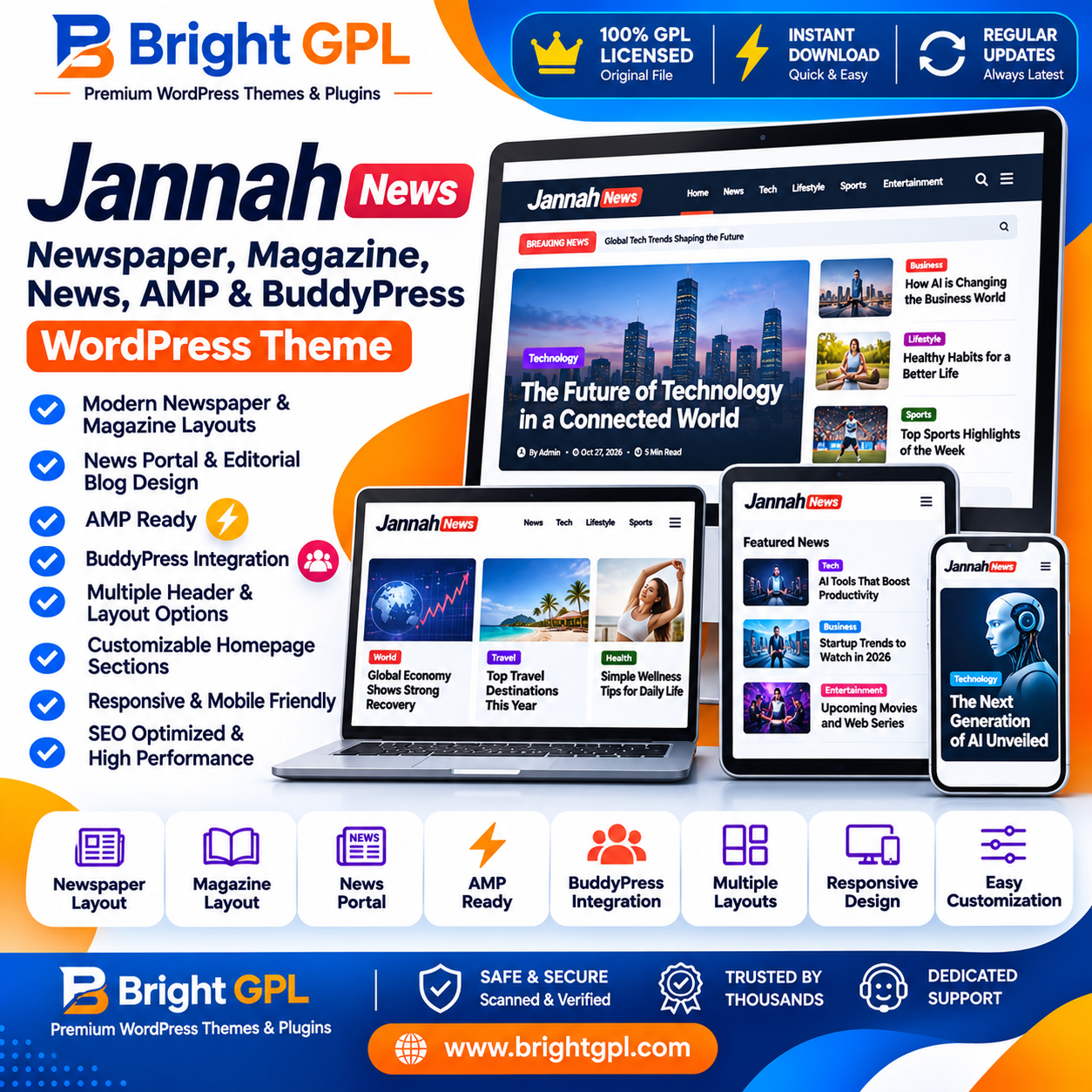
Creating a professional online publication requires more than simply publishing articles. A successful magazine or news website needs an organized homepage, attractive content presentation, readable typography, responsive layouts, and convenient navigation. SmartMag is a WordPress theme developed for publishers, bloggers, editorial teams, and businesses that want to build a modern content-focused website.
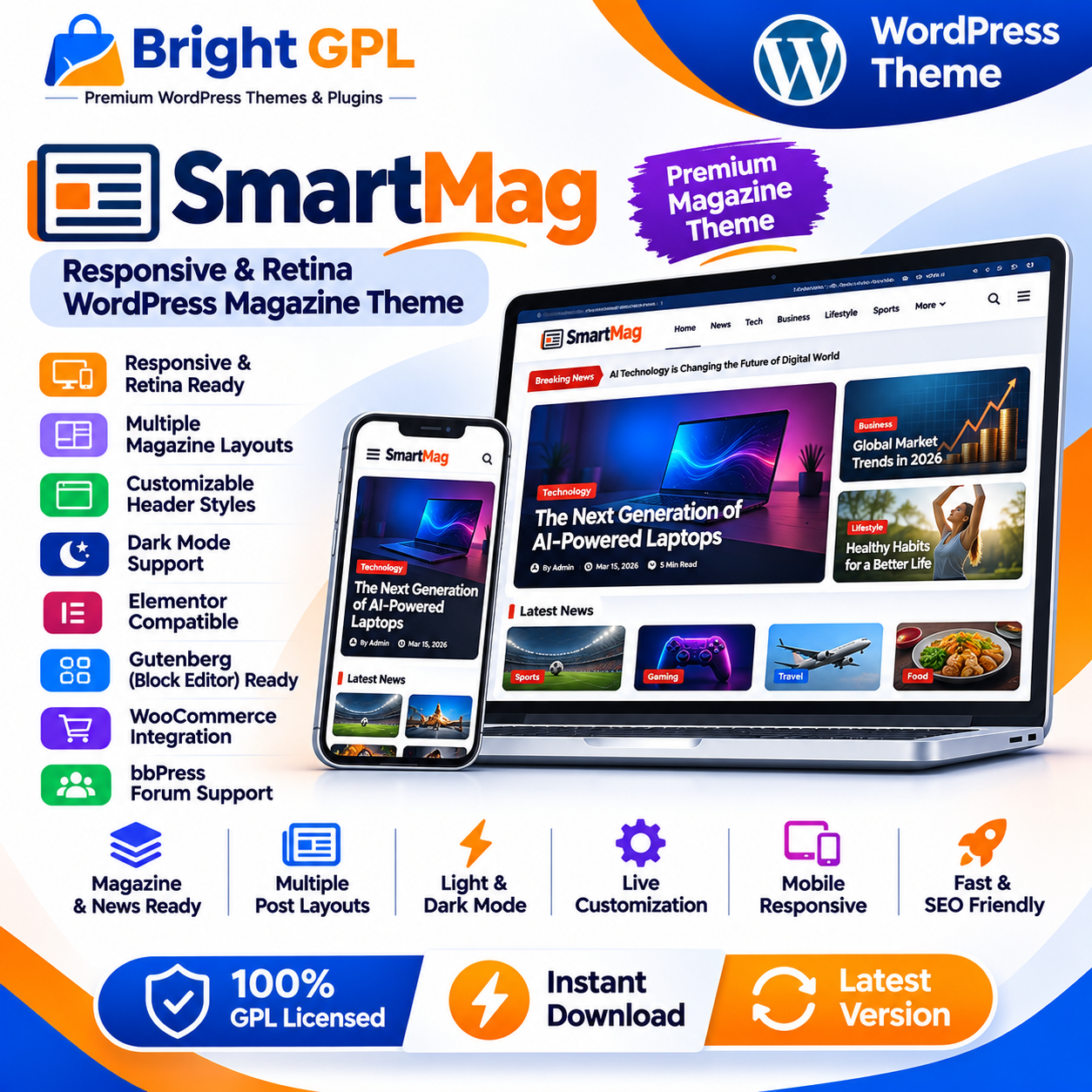
The SmartMag WordPress Magazine Theme brings together magazine-style layouts, flexible customization options, multiple post presentation styles, and integrations designed for content publishing. Whether you are planning a technology blog, business magazine, entertainment portal, sports news website, or general online publication, the theme provides a range of design tools to help organize your content.
Developed by ThemeSphere, SmartMag includes responsive layouts, retina-ready graphics, customizable headers, dark mode options, content blocks, and support for popular WordPress tools. Its design approach focuses on presenting articles clearly while allowing website owners to customize the appearance and structure of their publication.
Build a Professional Online Magazine
A magazine website often publishes content across multiple topics and categories. Readers should be able to discover the latest stories, explore specific sections, and navigate between articles without confusion.
SmartMag is designed around this type of publishing workflow. You can organize your homepage into different content sections and use available layouts to highlight important stories, recent posts, and category-based articles.
For example, a technology publication could create separate homepage sections for smartphones, software, artificial intelligence, cybersecurity, and industry news. A business magazine could highlight finance, entrepreneurship, markets, startups, and company updates.
The theme's content presentation options help publishers create a structured reading experience instead of displaying every article in one simple chronological list.
Responsive Design for Different Screen Sizes
Modern audiences access news and articles from desktops, laptops, tablets, and smartphones. A website that is difficult to navigate on smaller screens can make it harder for readers to explore content.
SmartMag is designed with responsive layouts so that website elements can adapt to different screen sizes. Its responsive approach helps maintain a consistent publishing experience across supported desktop and mobile browsers.
A responsive magazine layout is useful for websites that receive visitors from different devices. Navigation, article listings, content areas, and other design elements can adjust to the available screen space.
Website owners should still test their chosen layout, images, advertisements, and plugins on actual devices before publishing. Responsive theme design is one part of delivering a good mobile experience; content quality and overall site performance also matter.
Flexible Homepage and Content Layouts
The homepage is one of the most important areas of an online publication. It introduces readers to the website and helps them discover relevant articles.
SmartMag provides customizable content blocks and multiple layout possibilities for organizing homepage sections. Publishers can arrange content to give more visibility to selected categories, featured stories, recent articles, and other important website sections.
Different publications have different priorities. A sports news portal may want to emphasize breaking news and match coverage, while a lifestyle magazine may prefer image-led sections and category highlights.
The theme's flexible content presentation makes it possible to create a homepage structure that reflects the publication's subject and editorial style.
Customizable Headers and Navigation
Navigation plays an important role in helping visitors explore a content-heavy website. A magazine may have many categories, subcategories, and important pages, so its header should be organized and easy to use.
SmartMag includes customizable header options and preset header styles. Its flexible header customization tools allow website owners to adjust the appearance and arrangement of supported header elements.
The theme also offers menu-related features such as mega menu styles and off-canvas navigation. These options can help publishers organize larger menus and provide additional navigation space, particularly on mobile layouts.
You can use the available customization settings to create a header that suits your brand identity, website structure, and content requirements.
Dark Mode for a Modern Reading Experience
Dark mode is a popular interface option across websites and digital applications. It provides an alternative color presentation that some readers may prefer, particularly in low-light environments.
SmartMag includes dark mode options, allowing website owners to offer a dark color scheme and customize its appearance. Depending on the selected settings, a dark mode switcher can also be displayed in the header.
This feature can be useful for technology websites, gaming publications, entertainment magazines, and other content platforms that want to offer visitors an alternative viewing style.
The final appearance depends on the selected colors, typography, images, and individual page settings. Website owners should review article pages, navigation elements, widgets, and other important sections after enabling dark mode.
Multiple Article and Post Layouts
An online magazine may publish different types of content, including news reports, opinion articles, interviews, product reviews, tutorials, and feature stories.
Presenting every article in exactly the same way may not suit all editorial formats. SmartMag provides multiple post layouts and customization options for displaying articles.
You can use different presentation styles to create visual variety across the website while maintaining a consistent overall design.
The theme also supports article-related elements such as post metadata, featured images, related content options, and reading-time information through its available settings and components.
These features can help readers understand the type of content they are viewing and discover additional articles.
Gutenberg and Elementor Integration
WordPress offers different tools for creating and editing website content. SmartMag supports the WordPress Block Editor, commonly known as Gutenberg, and includes Elementor compatibility.
Gutenberg allows users to create page and post content using blocks. Elementor provides a visual page-building workflow for users who prefer a drag-and-drop editing experience.
SmartMag also provides its own content blocks and related customization options for building magazine-style sections. These tools can help publishers create layouts without manually designing every individual content area.
The exact editing experience may depend on the installed plugin versions and the specific theme components being used.
Social Sharing and Reader Engagement
Social platforms can help publishers distribute their articles and reach audiences beyond their websites.
SmartMag includes social sharing and social follow options that can be used to display supported social links and sharing controls. The theme also offers floating or sticky social sharing styles through its available settings.
These elements can make it easier for visitors to share interesting stories and find a publication's social profiles.
Social sharing features do not guarantee traffic or engagement. Their effectiveness depends on the quality of the content, audience interest, platform activity, and the website's overall promotion strategy.
Advertisement and Monetization Options
Many online magazines generate revenue through advertising, sponsorships, affiliate content, and other business models.
SmartMag includes advertisement-related options and widgets for placing advertising code in supported website areas. Its advertising tools can help publishers manage promotional placements around headers, article content, and other designated sections.
The theme also includes WooCommerce integration, which can be useful if a publication wants to add an online shop alongside its editorial content.
For example, a technology magazine could publish product reviews and also sell related merchandise. A business publication could combine articles with a small digital or physical product store.
Advertising networks, payment processing, affiliate tracking, and other monetization services may require separate accounts, plugins, or configurations.
Search, Navigation, and Content Discovery
A growing publication needs effective ways for readers to find older and relevant content.
SmartMag includes a customizable search overlay with live search functionality. This can help visitors locate content while typing instead of relying only on category navigation.
The theme also offers different pagination approaches, including numbered pagination, load-more functionality, and infinite scrolling options in supported content areas.
These options give publishers flexibility in deciding how article listings should appear and how readers move through larger collections of posts.
The best pagination style depends on the publication's content volume, page design, and user experience requirements.
Retina-Ready Graphics and Image Presentation
Images are an important part of magazine and news website design. Featured images, thumbnails, banners, and article galleries help readers understand the subject of a story and make content listings more engaging.
SmartMag is described as retina-ready, supporting high-resolution visual presentation on compatible screens. Its image-related options also provide control over image presentation and aspect ratios in supported layouts.
The theme documentation recommends using appropriately sized featured images based on the selected layout. For full-width layouts, it recommends a minimum width of 1200 pixels, or 2400 pixels for sharper presentation on high-resolution 2x displays.
Using properly optimized images can also help manage page loading performance. Publishers should compress images appropriately and avoid uploading unnecessarily large files.
WooCommerce and bbPress Integration
Some publishers want to extend their websites beyond article publishing. SmartMag lists WooCommerce and bbPress among its integrations.
WooCommerce can help add product listings and online shopping functionality to a WordPress website. This can be useful for publications that want to sell merchandise, products, or other eligible items.
bbPress can be used to add forum functionality, allowing a website to build a discussion area around its content or community.
These integrations provide additional possibilities, but the required plugins, configuration, hosting resources, and any third-party services should be reviewed before launching the website.
Customization for Different Publishing Niches
SmartMag can be used for a variety of content-focused website concepts, including:
News Portals: Organize breaking news, local updates, national stories, and international coverage.
Technology Magazines: Publish software updates, gadget reviews, technology guides, and industry news.
Business Publications: Present market updates, company news, entrepreneurship articles, and business analysis.
Sports Websites: Organize sports news, team coverage, match reports, and opinion articles.
Entertainment Magazines: Publish celebrity news, movie updates, interviews, and entertainment features.
Lifestyle Blogs: Present fashion, travel, food, wellness, and everyday lifestyle content.
Gaming Publications: Organize gaming news, reviews, guides, and industry updates.
General Blogs: Create a professional publishing platform for multiple topics and editorial categories.
The theme's customization options make it possible to adapt the website's presentation to different content strategies and brand identities.
Performance-Oriented Design Options
Website speed is important for readers and publishers. Large images, excessive scripts, poorly configured plugins, and unsuitable hosting can affect the loading experience.
SmartMag includes performance-oriented features such as built-in lazy loading for images and iframes, along with other optimization options documented by the developer.
The theme's documentation also provides guidance related to website performance and image handling.
However, actual loading speed depends on several factors, including hosting quality, caching configuration, image sizes, third-party scripts, installed plugins, and website traffic. Installing a theme alone does not guarantee a particular PageSpeed score or Core Web Vitals result.
Who Should Choose SmartMag?
SmartMag is intended for users who want to build a content-focused WordPress website with magazine-style presentation and flexible customization options.
It may be suitable for independent bloggers, professional publishers, editorial teams, news organizations, content creators, and businesses planning to publish articles regularly.
If your website needs category-based content sections, multiple article layouts, responsive presentation, and customization options for headers and navigation, SmartMag is worth considering.
Before installation, review the official product page, theme documentation, available demos, and the package details supplied with your purchase. This will help you confirm that the theme matches your design requirements and technical environment.
Create Your Magazine Website with SmartMag
A successful online publication needs a clear content structure, readable design, and reliable publishing workflow. SmartMag brings together magazine layouts, responsive design, customization tools, dark mode options, and integrations that can support a wide range of editorial website projects.
From a small personal blog to a multi-category news portal, the theme offers a flexible foundation for presenting articles and organizing content.
Choose SmartMag if you are looking for a WordPress magazine theme that combines editorial design options with tools for building and customizing a modern publishing website.
Product capabilities and compatibility should always be checked against the current official product listing and the exact package supplied.
Verified Customer Feedback (4)
SmartMag WordPress Magazine Theme – Responsive News & Blog Design (v10.3.2) is one of the most reliable additions to our WordPress toolkit. Uploaded the installable ZIP directly through the WordPress dashboard and everything configured cleanly on the first try.
Great experience getting SmartMag WordPress Magazine Theme from Bright GPL. The WordPress theme files are well-structured, lightweight, and didn't cause any plugin or theme conflicts on our production server.
If you need SmartMag WordPress Magazine Theme – Responsive News & Blog Design for client websites or staging environments, this package is spot on. Instant ZIP access, proper GST/purchase invoice in the account panel, and genuine SmartMag WordPress Magazine Theme code.
Upgraded our older build to SmartMag WordPress Magazine Theme v10.3.2 using this download and all existing settings stayed intact. Really appreciate how quickly new versions of SmartMag WordPress Magazine Theme – Responsive News & Blog Design are made available.
Register / Login Required to Write a Review
Only registered & verified Bright GPL members can submit product reviews. Sign in to share your experience!
🔐 Login / Register to Review →Related GPL Themes & Plugins (16)
Swipe or click arrows to explore all related WordPress resources side-by-side