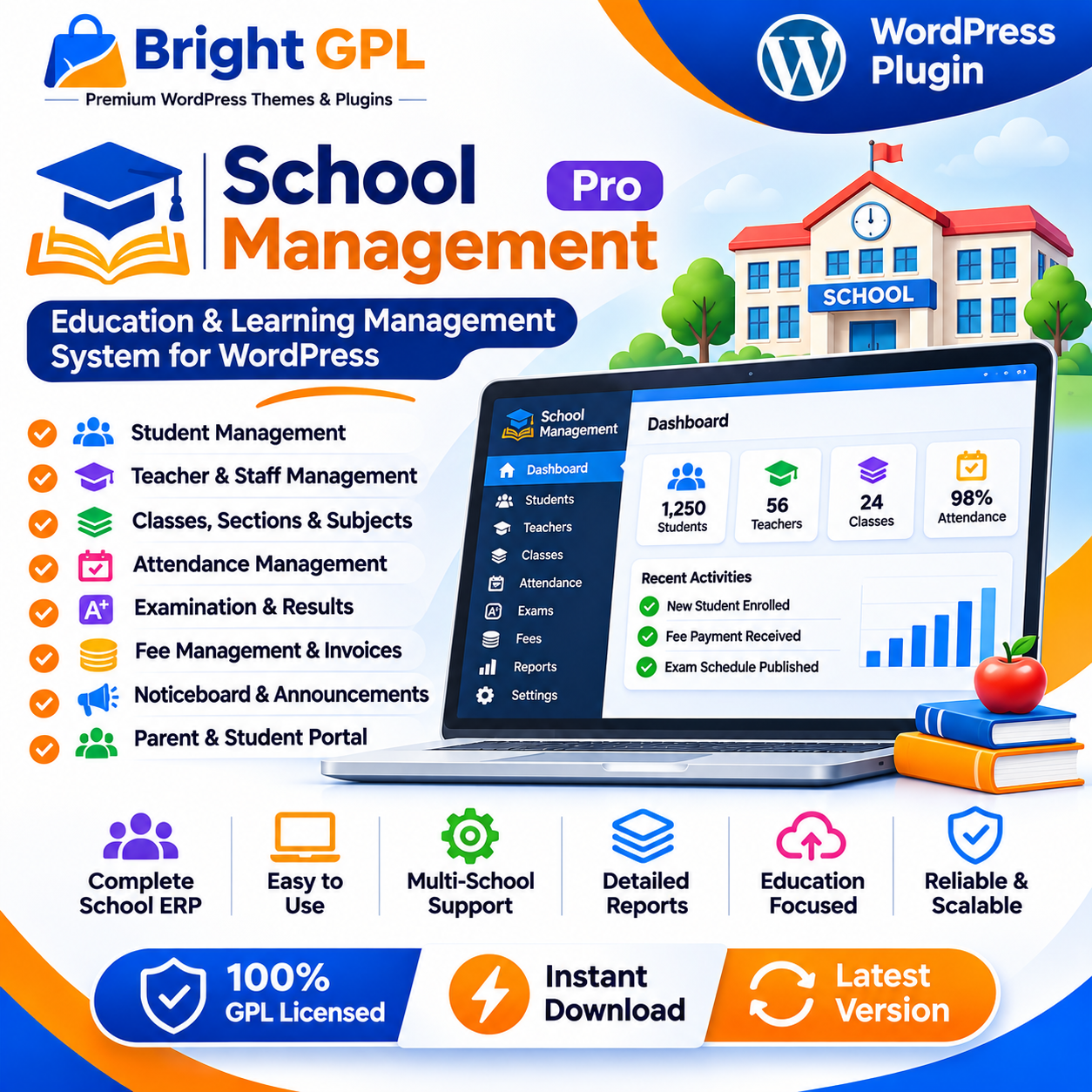
School Management – Education & Learning Management System for WordPress
School Management is a WordPress plugin designed to help schools organize administrative and academic information through a website. It provides a centralized environment for managing records such as students, teachers, classes, attendance, fees and examinations. Instead of maintaining separate records across different tools, school administrators can use the plugin to organize many routine school activities from the WordPress dashboard.
The plugin is intended for school administration rather than online course delivery alone. Its documented modules cover student and staff records, academic organization, attendance, fee management and communication. The exact features available depend on the plugin version, package and configuration.
Organize Student and Staff Records
A school needs reliable records for students, teachers and other staff members. School Management provides administrative tools for maintaining these records and connecting them with relevant classes, sections and school activities.
Student records can include information needed for school administration and enrollment. Staff records help administrators organize the people responsible for teaching and other school operations. The available fields and workflows may vary between the free and Pro versions, so review the installed package before planning a full data-entry process.
Centralized records can make routine administration more organized, especially when a school needs to update student details, review class assignments or find information during the academic year. Schools should establish appropriate access permissions and data-handling practices for sensitive student and staff information.
Manage Classes, Sections and Subjects
Academic organization is an important part of school administration. The plugin includes tools for managing classes, sections and subjects, helping administrators structure academic information within the school.
Class and section records can help organize students into the appropriate groups. Subject information can support academic planning and help connect learning activities with the relevant class or section.
The way a school structures its classes and subjects will depend on its curriculum and operating model. Before entering live records, administrators should decide how academic years, class names, sections and subjects will be represented in the system.
Attendance and Daily Administration
Tracking attendance is a regular task for schools. School Management includes student attendance tools that can help staff record and review attendance information.
Attendance records can support administrative reporting and help schools maintain a history of student participation. The plugin also documents attendance-related views and reports, though available options may depend on the installed version and configuration.
Schools should define who is responsible for recording attendance and how corrections will be handled. A consistent process helps keep records accurate and reduces confusion when staff need to review attendance information.
Exams, Results and Academic Reports
School Management includes examination-related tools for organizing exams and recording academic results. Depending on the version and setup, administrators can configure examination details and manage related academic information.
These tools can help schools organize exam schedules, record marks or grades and prepare reports for students or administrators. The plugin’s Pro feature list also describes more advanced examination workflows and report options.
Before using the system for official academic reporting, schools should test the grading setup, result-entry process and report formats. Confirm that the available options match the school’s assessment structure and reporting requirements.
Fee Management and Invoices
Fee administration is another key area of school operations. School Management provides fee-related tools for recording payments and managing invoices. The documented feature set includes fee collection workflows and payment-related options, with some capabilities depending on the version and configuration.
A school can use fee records to organize amounts due, payments received and related administrative information. If online payments are enabled, administrators should verify the supported payment gateways, currency settings and transaction workflow before accepting payments.
Fee records should be checked regularly and reconciled with the school’s accounting process. The plugin should be configured to reflect the school’s actual fee structure and payment policies.
Communication and School Notices
Schools often need to communicate announcements, reminders and important updates to students and families. School Management includes noticeboard and notification-related functionality, with email and SMS options described in its documented feature set. The availability of specific SMS gateways or notification features depends on the configuration and service provider.
A noticeboard can help present school announcements in a structured way. Schools should review who can publish notices and how information is shared with different classes or groups. If SMS notifications are used, verify the provider’s requirements, account setup and charges separately.
Student and Parent Access
The plugin documents student and parent-facing portal features that can allow users to access selected school information. Depending on the setup, these may include academic information, notices, attendance or other records relevant to the user’s account.
A student or parent portal can reduce the need for repeated administrative requests by making certain information available online. Schools should carefully configure account access and confirm that each user can see only the information they are authorized to view.
Additional School Administration Modules
The Pro feature list describes additional modules for areas such as transport, hostel management, library records, inventory, staff management and other school operations. These capabilities can help schools organize more administrative activities within the same WordPress installation, subject to the package and configuration.
Not every school will need every module. Administrators should identify the functions required for their institution and confirm which are included before selecting a version or planning a rollout.
Setup and Website Integration
School Management is installed as a WordPress plugin. The official WordPress plugin listing describes installation through the WordPress administration area or by uploading the plugin ZIP file. After activation, administrators can configure the school’s information and begin setting up the relevant records.
Before adding real student or staff information, test the plugin on a staging site where possible. Review the initial configuration, user roles, available modules and the way the plugin displays information on the website. If the school uses an existing theme or other plugins, test the complete setup to identify any conflicts.
Who Can Use School Management?
School Management may be suitable for:
Schools organizing student and staff records
Educational institutions managing classes and sections
Administrators maintaining attendance and exam records
Schools that need fee and invoice management
Institutions that want a WordPress-based school administration system
Developers building or maintaining school websites
The plugin is an administrative tool, and its suitability depends on the institution’s workflows, data requirements and required features.
Why Choose School Management?
School Management provides a set of WordPress-based tools for organizing school records and everyday administrative activities. Student and staff management, academic organization, attendance, fees and examination features can help schools keep information in a more structured environment.
For schools considering the plugin, the best approach is to map the institution’s actual processes to the available modules, confirm the package’s capabilities and test the workflows before using it for live records. Review the official documentation for current details and requirements.
Explore School Management at Bright GPL and review the package documentation before installation.
Important: The plugin’s free and Pro feature sets are not identical. Confirm the exact package, included modules, payment options and compatibility before publishing or installing it. Do not assume that every feature listed for Pro is included in your package.