UpdraftPlus Premium – WordPress Backup and Migration Plugin
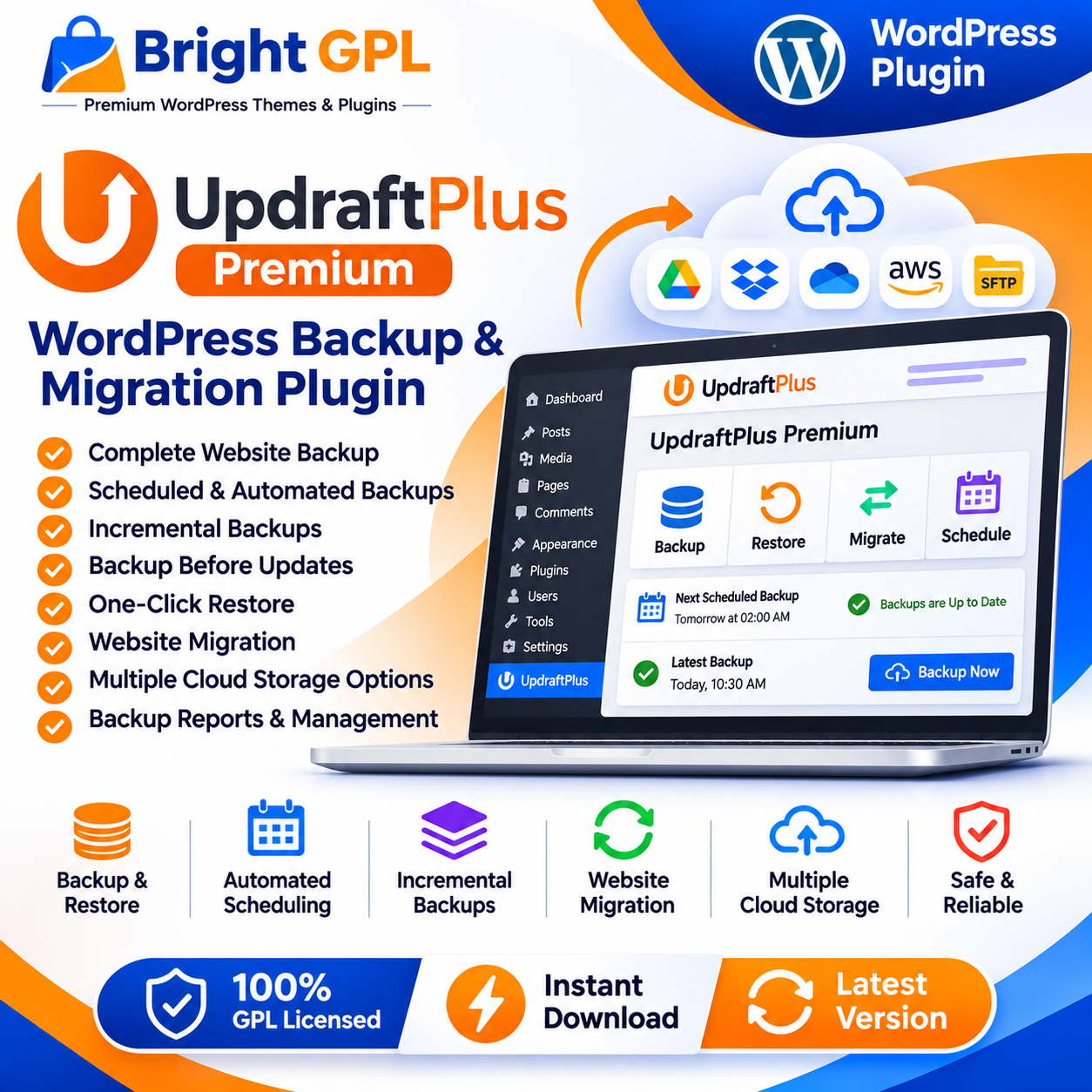
UpdraftPlus Premium is a WordPress plugin designed to help website owners back up, restore and migrate their websites. A website can contain important pages, posts, media files, plugin settings, themes and database content. Maintaining reliable backups helps site owners prepare for unexpected problems such as failed updates, accidental changes or hosting issues.
UpdraftPlus provides backup and restoration tools within WordPress. The Premium version adds advanced features for backup scheduling, storage, migration and backup management. The exact features available depend on the purchased plan, installed version and configuration.
Back Up WordPress Website Files and Database
A WordPress website includes both files and database content. Files may include themes, plugins, uploads and other site resources, while the database stores content and settings. A backup strategy should account for the parts of the website that are important to restore.
UpdraftPlus can create backups of WordPress files and database data. Website owners can configure backup settings according to their site’s content, update frequency and recovery needs. For sites with additional files or databases, confirm the required backup scope and whether the relevant Premium options are included in the package.
Schedule Backups Automatically
Regular backups can reduce the amount of content that may need to be recreated after a problem. UpdraftPlus supports scheduled backups, allowing website owners to choose a recurring backup frequency rather than relying only on manual backups.
Premium adds the ability to schedule backups at specific times. This can be useful for websites that receive frequent updates or for administrators who prefer backups to run during quieter periods. A suitable schedule depends on how often the website changes and how much data the owner can afford to lose between backups.
Incremental Backups
UpdraftPlus Premium supports incremental backups. Instead of repeatedly creating a complete backup for every run, incremental backups save changes made since the previous backup. This can help reduce the amount of data processed and stored for subsequent backup runs.
Incremental backups may be useful for websites with frequent content changes or larger media libraries. The actual time and storage savings depend on the site’s size, activity and backup configuration.
Back Up Before WordPress Updates
Updates to WordPress, themes and plugins can sometimes cause unexpected issues. UpdraftPlus Premium includes an option to create a backup before supported updates are applied. This gives administrators a recovery point from before the update, should a problem occur.
This feature can be useful when maintaining a site with multiple plugins or a customized theme. It does not guarantee that every update issue can be reversed without complications, so site owners should still test important updates and maintain independent backups.
Restore Website Data
A backup is useful only if it can be restored when needed. UpdraftPlus provides restoration tools that let administrators select backup data and restore supported parts of a website, such as files or database content.
A restoration may be required after an unsuccessful update, an accidental content change or another website issue. Before restoring a backup, consider whether newer content has been added since that backup was created. Restoring an older database or file set may replace more recent changes.
Remote Backup Storage
Keeping backups only on the same server as a website can leave them exposed if that server becomes unavailable. UpdraftPlus supports remote storage destinations, allowing backup copies to be stored separately from the website.
Available destinations vary between the free and Premium versions. Premium adds support for additional storage services and options, including services such as Microsoft OneDrive, Azure, SFTP, WebDAV, Google Cloud, Backblaze and pCloud. Confirm the currently supported destinations and the authentication requirements before choosing a storage setup.
Multiple Backup Locations
UpdraftPlus Premium can back up to more than one location. Keeping copies in separate destinations can provide another recovery option if one storage location becomes unavailable or inaccessible.
The choice of destinations should reflect the website’s importance, storage requirements and recovery plan. Administrators should periodically verify that backups complete successfully and that the stored files can be accessed when required.
Website Migration
UpdraftPlus can be used to move a WordPress website by backing it up and restoring the backup on another site. Premium adds direct site-to-site migration features, which can simplify moving a website between connected WordPress installations.
Migration may be useful when moving to a new hosting provider, creating a development copy or transferring a website to a different domain. The migration process should be tested carefully, particularly for websites that use custom configurations, external services or complex database content.
Backup Retention and Reporting
Backup retention settings help administrators control how many backup copies are kept. UpdraftPlus Premium adds advanced retention rules, which can automatically adjust how older backups are retained. This can help manage storage usage over time.
Premium reporting can provide more detailed information about backup activity, including backup contents, destination and warnings or errors. Reports and integrity checks can help administrators review backup results and identify problems that may require attention.
Additional Backup Controls
UpdraftPlus Premium includes other advanced tools, such as database encryption, data anonymization, WP-CLI operation and support for WordPress Multisite. It can also provide options for backing up additional files or databases beyond the standard WordPress content. Availability and configuration should be checked against the official documentation and the package being offered.
Who Can Use UpdraftPlus Premium?
UpdraftPlus Premium may be useful for:
Website owners who want scheduled backups
Businesses that rely on their WordPress website
WooCommerce store administrators
Agencies maintaining client websites
Developers who need backup and migration workflows
Administrators managing sites with frequent updates
The most appropriate backup frequency and storage setup depend on how often a website changes, its size and the recovery requirements of the organization.
Why Choose UpdraftPlus Premium?
UpdraftPlus Premium brings backup, restoration and migration tools together within a WordPress workflow. Its advanced scheduling, incremental backups, pre-update backups, remote storage options and migration features can help administrators maintain a more organized backup process.
It is a backup and recovery tool, not a replacement for secure hosting, website maintenance or a complete disaster recovery plan. For important websites, administrators should keep backups in a separate location and periodically test the restoration process.
Explore UpdraftPlus Premium at Bright GPL and review the package documentation before installation.
Note: Confirm the exact package contents, supported storage destinations and Premium features before publishing. Do not assume that a license key, official updates, premium support or cloud storage allowance is included unless verified.